

Free M3U Converter – Convert M3U to Xtream Codes Instantly
Fast and Free M3U Converter by Yeah IPTV
The M3U Converter from Yeah IPTV is a powerful online tool designed to help users convert M3U playlist links into Xtream Codes or generate M3U files from Xtream credentials quickly and securely. This free tool simplifies IPTV configuration, allowing you to manage your account details and connect your subscription to your preferred IPTV app in just a few seconds. With instant processing and a user-friendly interface, the Yeah IPTV M3U Converter makes IPTV setup easier than ever.
YEAH IPTV
This tool is for personal use only. YEAH IPTV does not store your data.
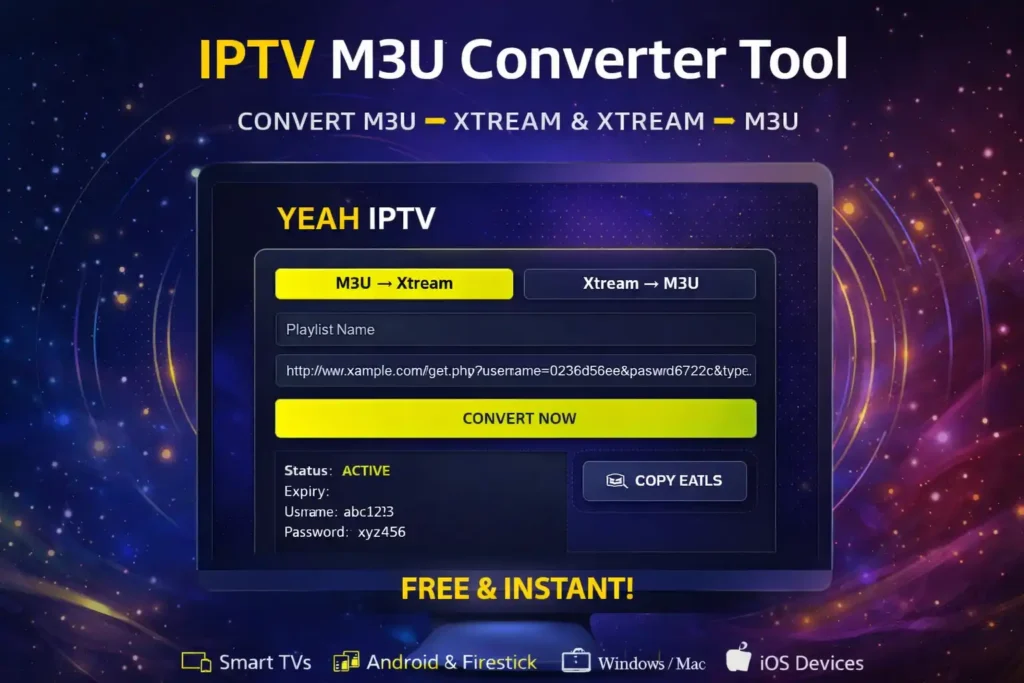
What is an M3U Converter and How Does It Work
An M3U Converter is a utility that changes IPTV playlist formats to match the requirements of different apps and devices. Some IPTV players work better with Xtream Codes login details, while others require a direct M3U playlist link. This tool allows you to switch between both formats easily, ensuring full compatibility with popular IPTV applications such as IPTV Smarters, TiviMate, VLC, and other media players.
Convert M3U to Xtream Codes in Seconds
With the Yeah IPTV M3U Converter, you can quickly extract essential account information from any valid M3U link. The system automatically detects the server URL, username, password, and playlist data, allowing you to log in using Xtream Codes without manual configuration. This method provides a faster and more stable connection for most IPTV apps.
Generate M3U Links from Xtream Credentials
If you already have your Xtream login details, the M3U Converter can instantly create a working M3U playlist link. This feature is ideal for users who need a direct playlist for Smart TVs, Android boxes, Firestick, VLC Player, or other compatible platforms. Simply enter your server information, and your playlist will be generated immediately.
Compatible with All Major IPTV Devices
The Yeah IPTV M3U Converter works smoothly across all major devices and operating systems. Whether you are using a Smart TV (Samsung or LG), Android TV, Amazon Firestick, Windows, Mac, iPhone, or Android smartphone, the generated formats will work without issues. The tool is fully compatible with leading IPTV apps, making it easy to set up your service on any screen.
Why Choose the Yeah IPTV M3U Converter?
The M3U Converter is built to provide a fast, secure, and user-friendly experience. It works directly in your browser without installation and delivers instant conversion results. Your data is processed in real time and is never stored or shared, ensuring full privacy. Whether you are a beginner or an experienced IPTV user, this tool helps you manage your playlist formats quickly and efficiently.
Privacy and Usage Notice
Your security is a priority when using the Yeah IPTV M3U Converter. The tool does not save personal information or IPTV credentials and is intended for personal use only. Users are responsible for ensuring they have the proper rights to access and use their IPTV content.
Conclusion
The M3U Converter from Yeah IPTV is a simple, fast, and reliable solution for managing your IPTV playlist formats without technical complications. Whether you need to convert an M3U link into Xtream Codes or generate a new M3U playlist from your login credentials, the tool delivers instant results with a secure and user-friendly experience. Designed to work across all major devices and IPTV applications, it helps you connect your service quickly and enjoy smooth streaming without setup issues. Start using the Yeah IPTV M3U Converter today and experience a smarter, easier way to configure your IPTV connection.